
Weightless cursor
42Free
Explore seamless navigation with our innovative custom cursor. The weightless cursor offers smooth, fluid movement for an improved digital experience.
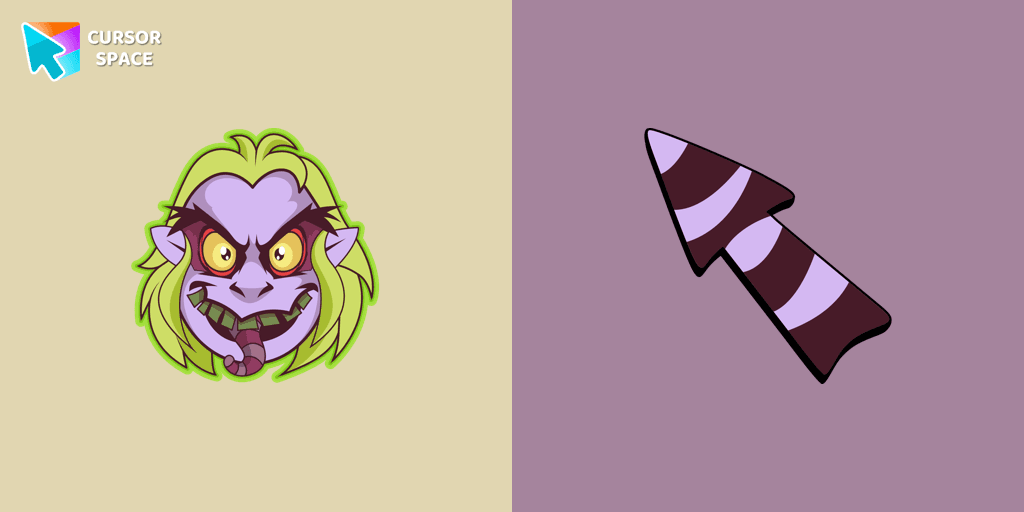
Step into the spooky season with our exclusive Halloween custom cursors collection for Chrome. This year, embrace the thrill of a custom cursor for chrome that perfectly captures the eerie spirit of Halloween. Among our standout designs is one featuring Beetlejuice—a rude, crude, trickster ghost who enjoys causing chaos and confusion. As the main antagonist in his live-action movie, he uses his supernatural powers to manipulate and deceive others. This design embodies his wild and unpredictable spirit, making it a must-have for any Halloween fan.
Our collection offers a wide range of options, including the sleek custom cursor chrome and the intricately designed chrome custom cursor. For those seeking a premium feel, the custom cursor for chrome™ delivers high-quality visuals and performance, ensuring your browsing experience is as unique as it is fun. If you're looking for a budget-friendly option, explore our custom cursor for chrome free selections available on the chrome web store custom cursor.
Installing your new look is simple with our intuitive custom cursor chrome extension. Just add the cursor custom for chrome and enjoy a transformed browsing experience in minutes. Wondering how to get a custom cursor on chrome? Just install the custom-cursor for chrome package and follow the easy steps provided by the custom cursor chrome extension. Concerned about safety? Rest assured, our products are tested and secure, answering questions like is custom cursor for chrome extension safe and is custom cursor for chrome safe.
Prefer a hassle-free experience? Our custom cursor for chrome no download and custom cursor for chrome no extension options ensure you can enjoy a personalized pointer without any installation. Plus, with custom cursor for chrome unblocked, everyone can join the fun. Discover the magic of a custom cursor on chrome, especially with the ever-popular sweezy cursors - custom cursor for chrome featuring Beetlejuice.
Install the Cursor Space extension for Chrome or Cursor Space for Edge in your browser.
On this page, click "Add this cursor pack to the extension".
Open the extension and go to the Packs tab.
Find the custom cursor pack "Beetlejuice cursor" and click it.
Enjoy!
Get this cursor pack and thousands of others by installing our extension. It's fast and free!
Beetlejuice Cursor is a themed cursor pack you can add to your browser to personalize your pointer across common cursor states (default and pointer). Use it for everyday browsing, streaming, studying, or gaming-anywhere you want your cursor to match your vibe.
See how the cursors look before installing.
Add the pack to the extension in a few clicks.
Designed for Chrome and Edge via the extension.
Quick answers to common questions about cursor packs, collections, and installation.
Yes. To apply cursor packs in Chrome or Edge, install the Cursor Space extension and add this pack to it.
Cursor packs are designed for Chromium browsers like Chrome and Microsoft Edge.
Open the extension, choose another pack or disable the current one to return to your default cursor.
Custom cursor and packs - neon, anime, pixel art. Quickly add to Chrome and Microsoft Edge for free
Explore seamless navigation with our innovative custom cursor. The weightless cursor offers smooth, fluid movement for an improved digital experience.
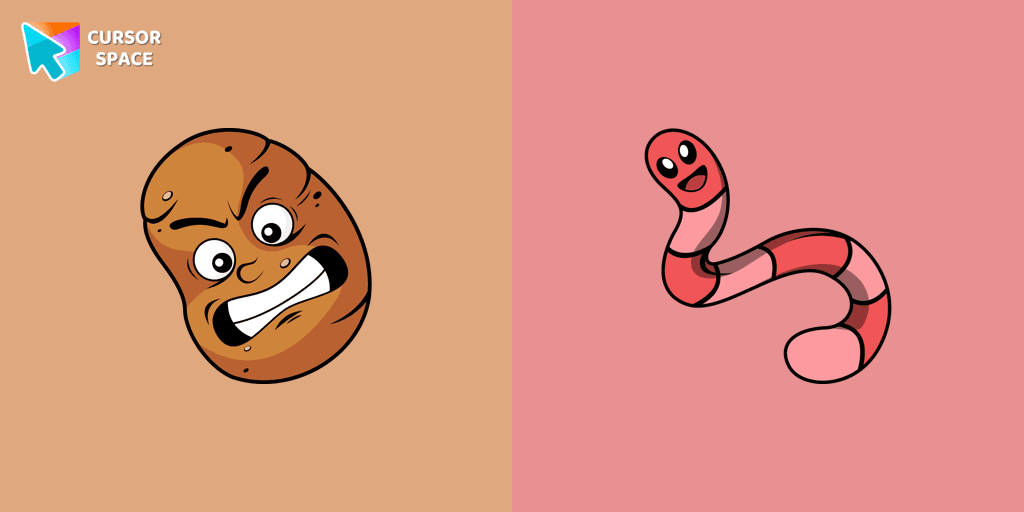
The Sal Spudder cursor is a fantastic addition to our cursor collection. With its unique design and eye-catching artwork, this cursor adds a touch of personality and flair to your browsing experience.

Turquoise Gradient Cursor is a unique custom cursor that transforms your mouse with a turquoise gradient design. Get a custom cursor for Google Chrome and personalize your browsing.

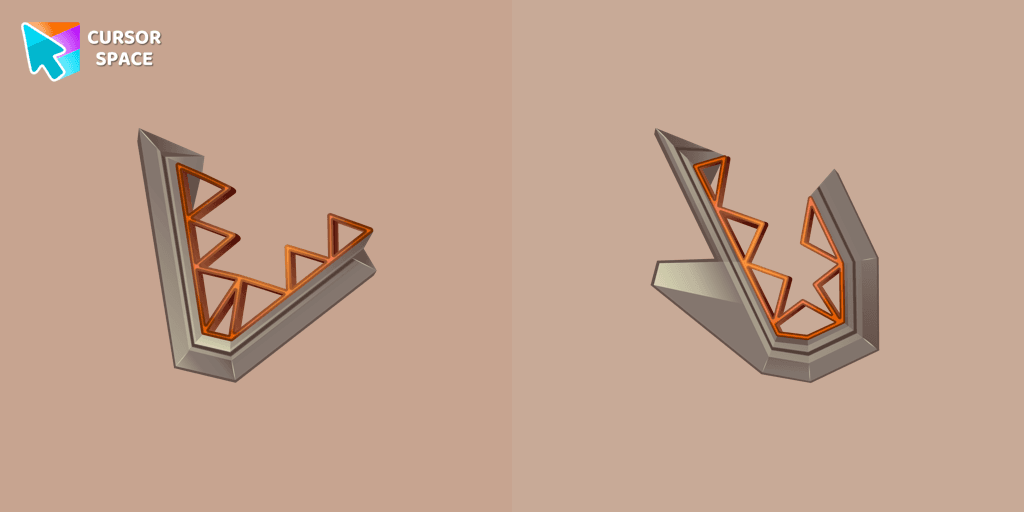
Enhance your browsing experience with the Toothy custom cursor, a charming and stylish design from the Cursors collection for Chrome. Upgrade your pointer today!

Genshin Impact for Chrome cursor set has a custom cursor Kazuha as a pointing device.
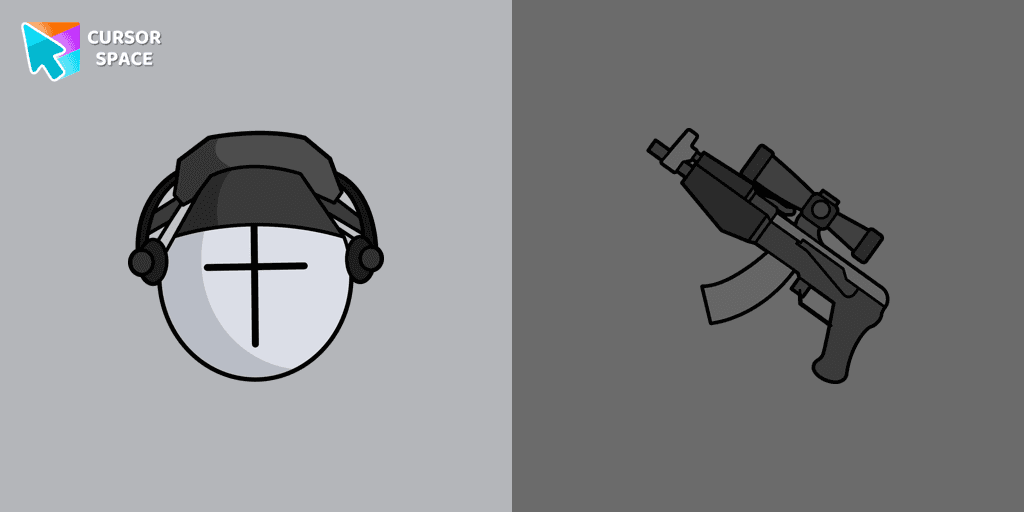
Add Deimos custom cursor in our unique The Wishes collection of custom cursors for the browser.
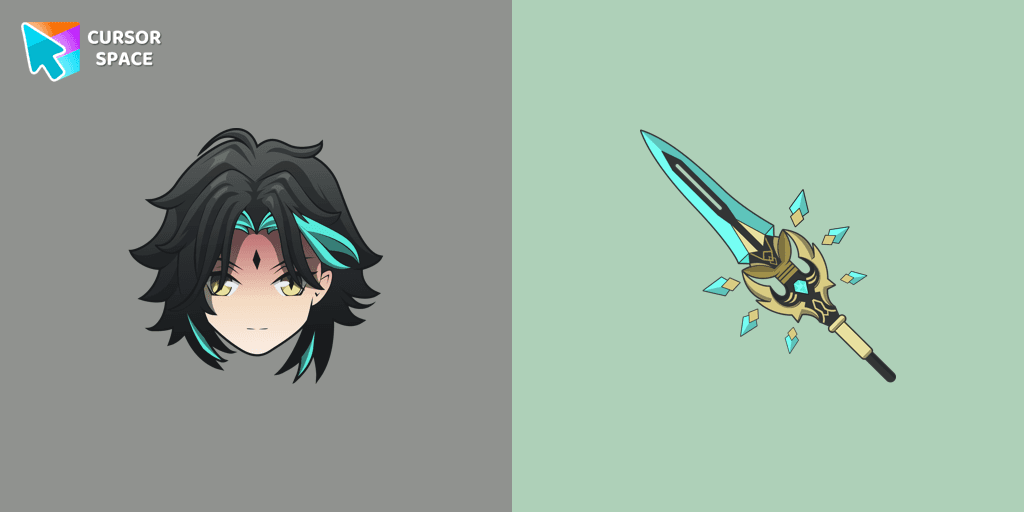
Add Xiao cursor in the collection of custom cursors with Genshin Impact for the browser.
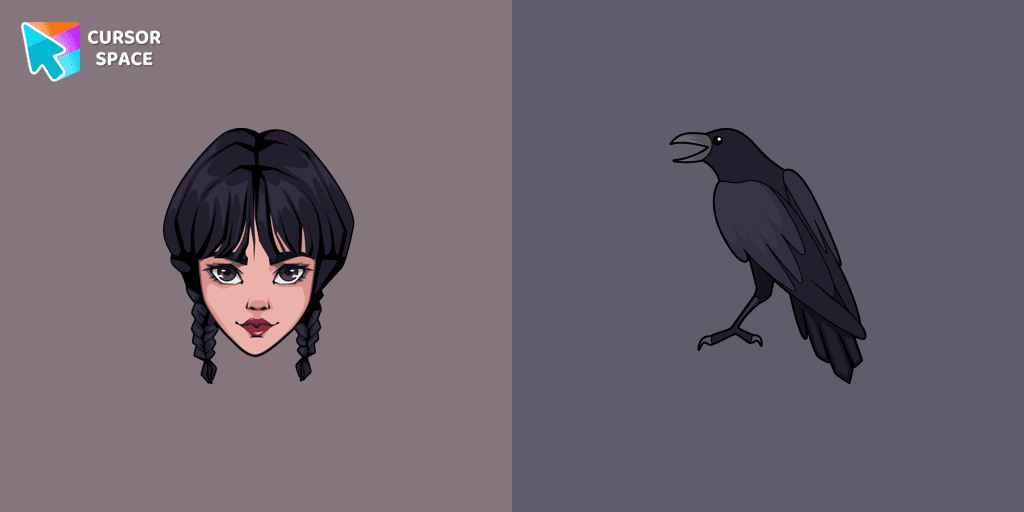
Wednesday custom cursor for a mouse is good fan art to decorate your browsing.
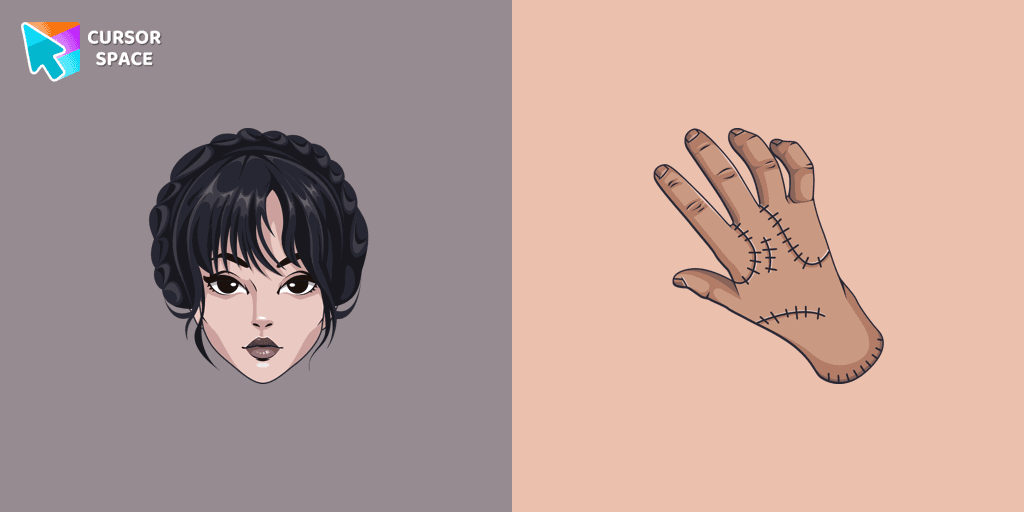
Our The Wishes custom cursors collection for Chrome has been expanded with yet another beautiful custom cursor with Wednesday Addams.
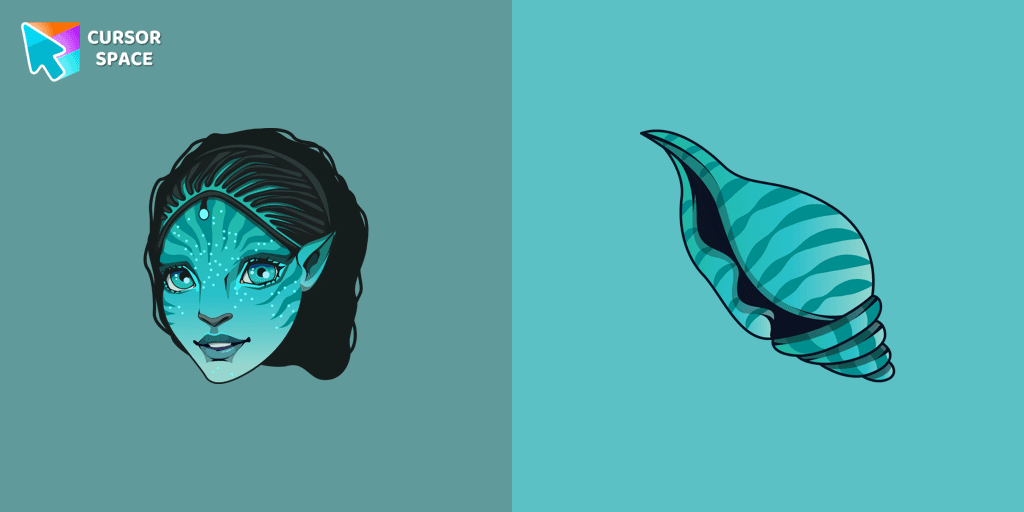
Tsireya from Avatar: The Way of Water custom cursor for the mouse and pointer in a terrific custom cursors collection.
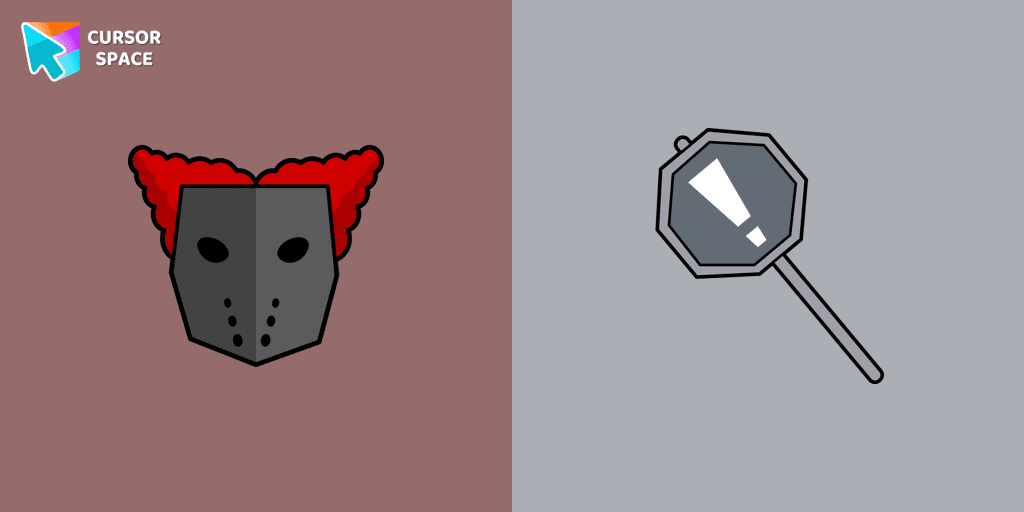
Tricky the Clown custom cursor for mouse and custom hover pointer with the character's weapon in The Wishes collection of custom cursors.
Installation leaders from "Halloween": free packs, neon/anime/pixel art, quick add to Chrome and Edge.
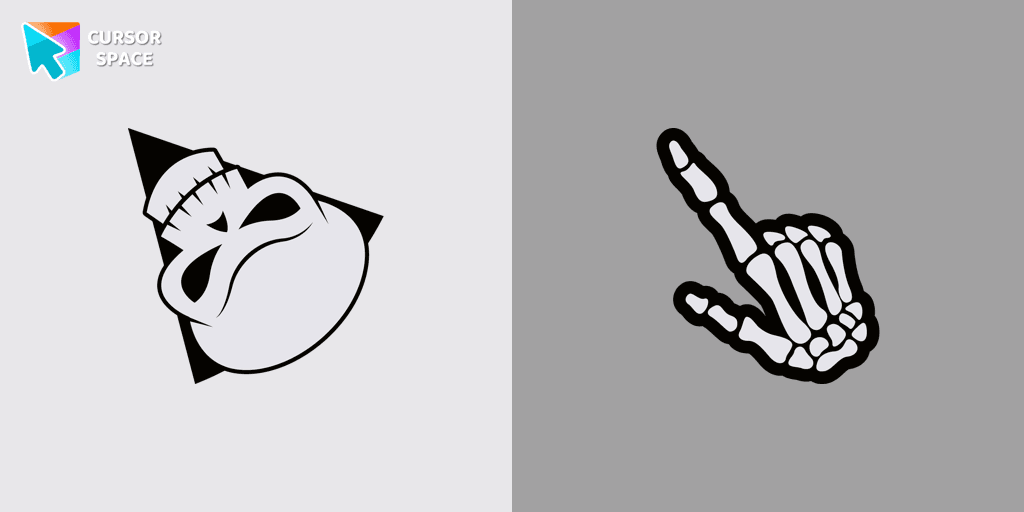
Angry Skull cursor for a mouse is a good Halloween art to decorate your browsing.
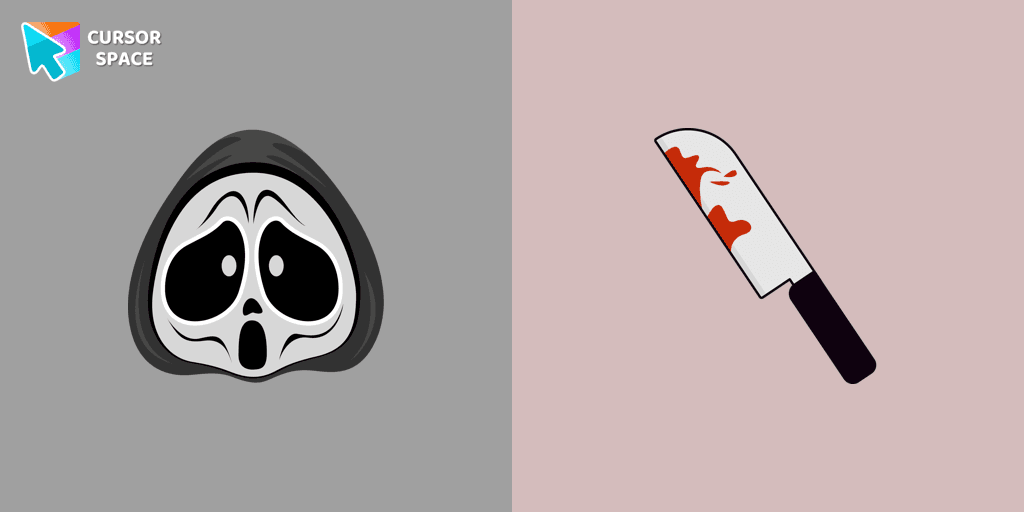
Ghostface cursor for mouse and custom hover pointer with a knife in our Halloween holiday collection of custom cursors.

Chilling blood illustrated Burger skull custom cursor and zombie hand hover for the mouse.
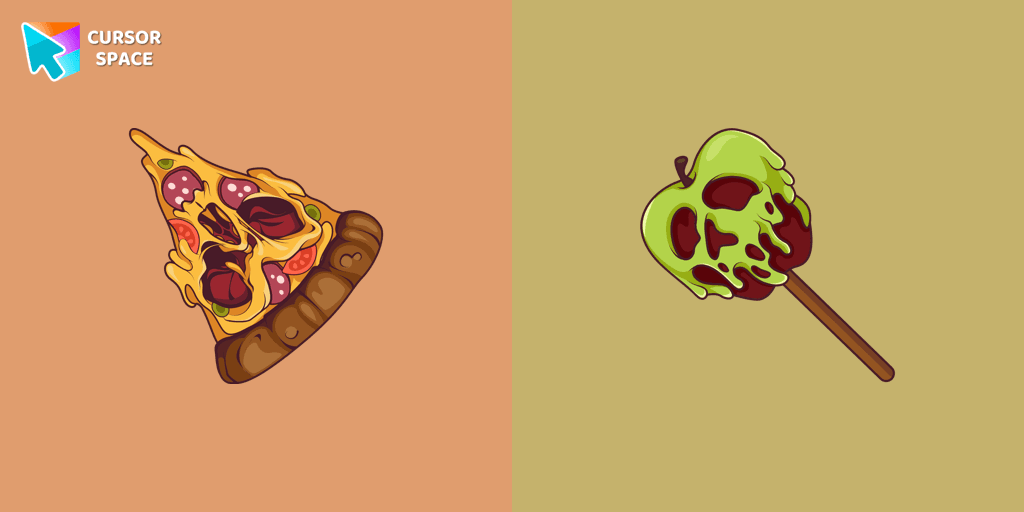
Don't forget to decorate your interface with a Pizza Monster custom cursor from our Halloween custom cursors collection.
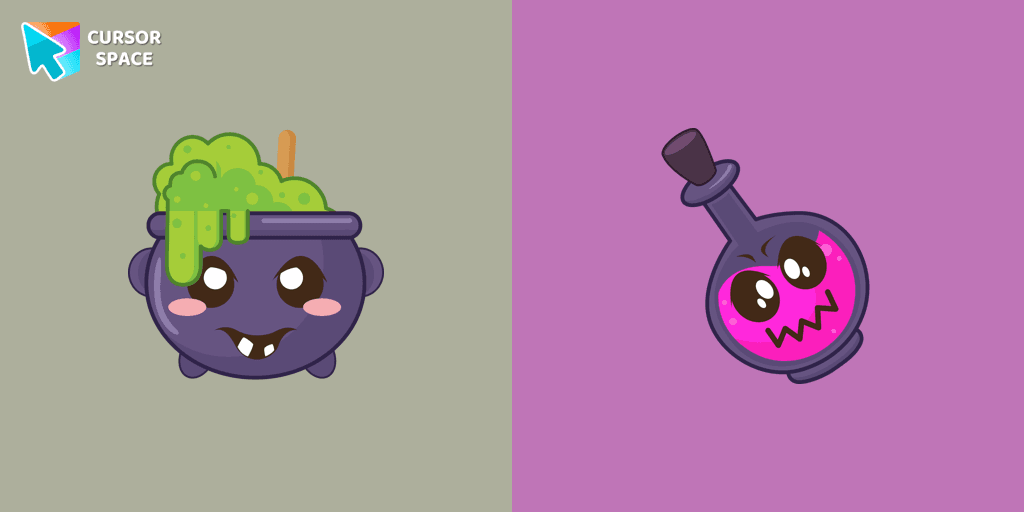
Our Halloween custom cursors collection for Chrome includes many themed cursors, one of them Potion Cauldron and Poison.
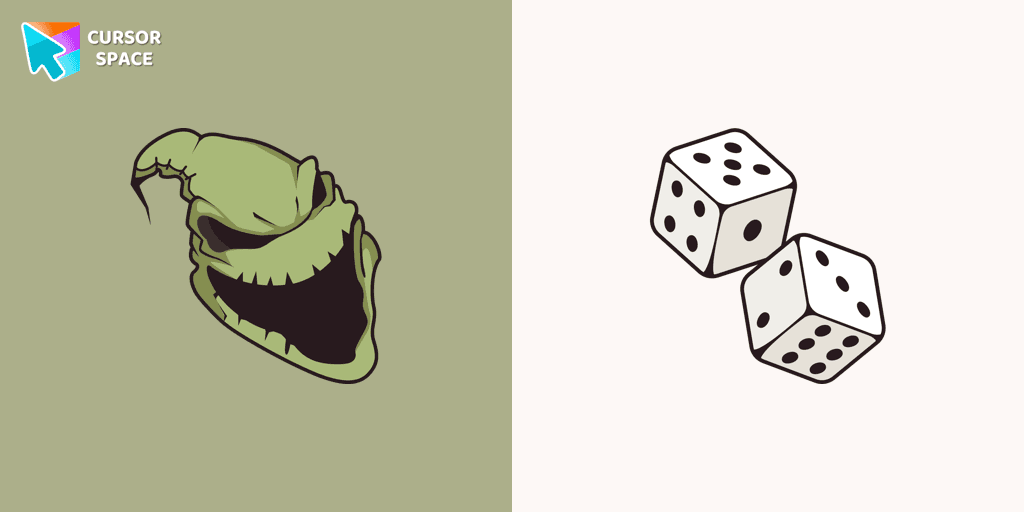
Boogeyman custom cursor for mouse and pointer is perfect for getting into the holiday spirit on Halloween.

Our Friendly Skull custom Cursor from our Halloween custom cursors collection for Chrome will help you with this.

Celebrate it with our Skull with Bow custom cursor for mouse and pointer which has an incredible, cool design.
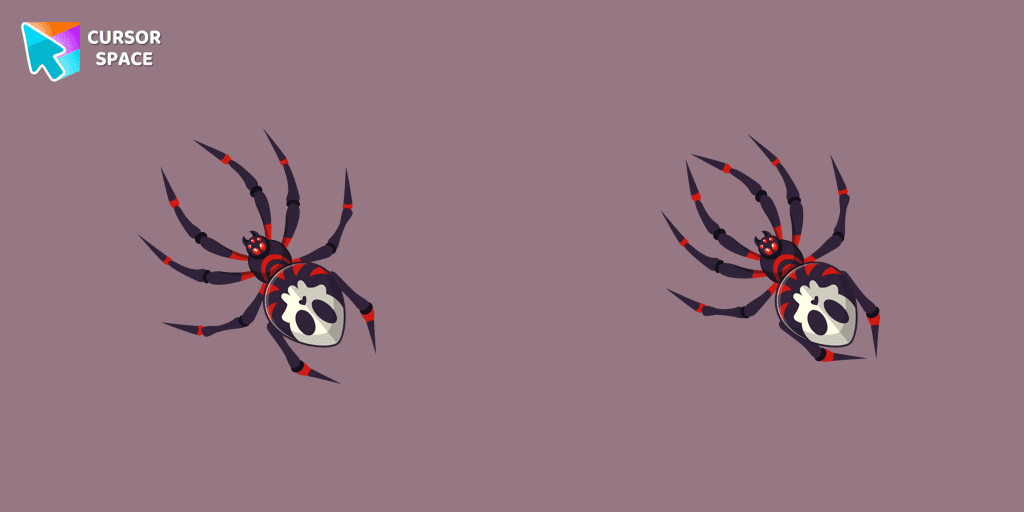
The Skull Spider custom cursor for the mouse will look pretty spooky on your screen.
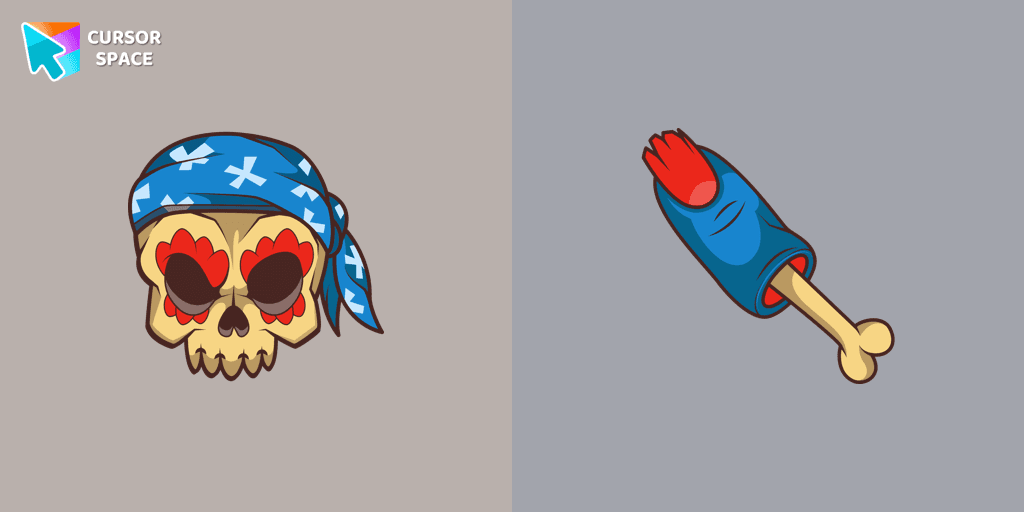
Pirate Skull custom cursors are the perfect option for our Halloween custom cursors collection for Chrome.
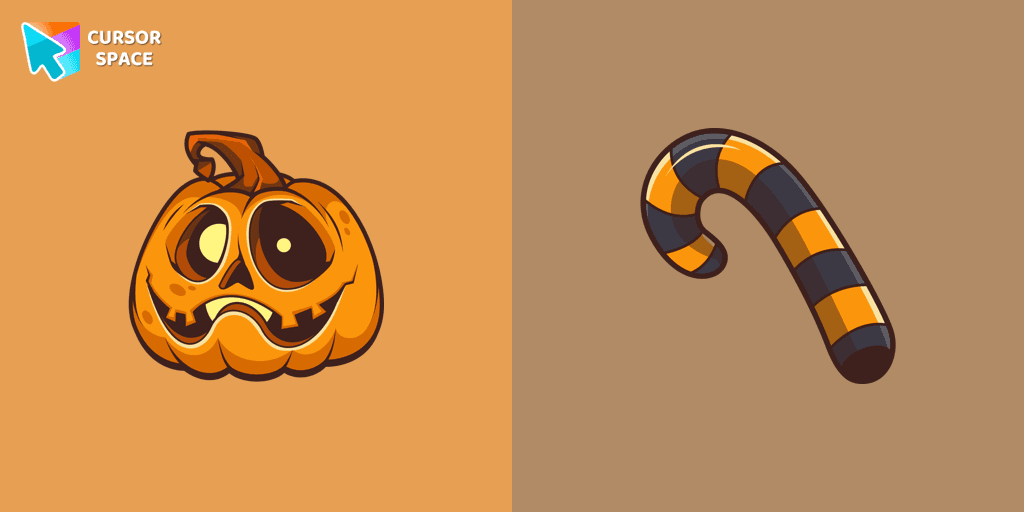
Our Pumpkin custom cursor was created especially for the chilling holiday season for our Halloween custom cursors collection for Chrome.
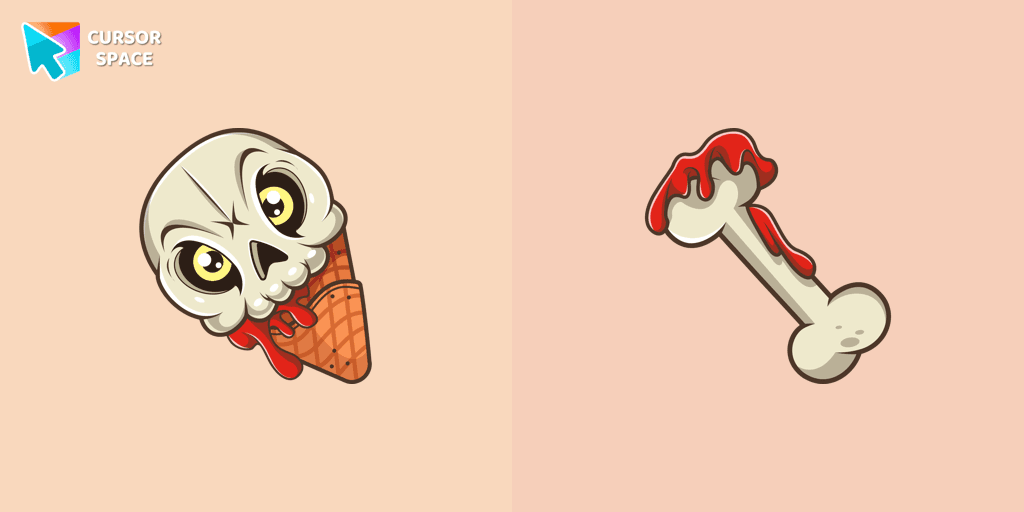
If you want to change the default cursor to Ice Cream Cone Skull, you are welcome to our collection of cursors for Halloween.
Add packs instantly and unlock access to thousands of cursors: neon, anime, pixel-art, and more. Fast, safe, and free.
Cursor Space is an extension for changing your mouse cursor in Chrome and Edge browsers: themed collections, HiDPI icons, neon, animated, and pixel cursors, with quick installation.